Helios v2 is here — edit video by editing words.Learn more
AI VIDEO EDITOR

A real editor. In your browser.

Not a template tool. Not a toy. A professional video editor with layers, keyframes, and transitions — plus AI that handles the tedious work. No download. No subscription traps. Start free.

Full editor walkthrough
Creation modes

Start however you work best

AI DIRECTOR

Describe it in English

Tell AI what you want: “A 60-second product demo with upbeat music.” The Director writes the script, finds footage, generates voiceover, and assembles a timeline. You review and refine.

MANUAL EDIT

Full timeline control

Drag, trim, split, layer — everything you’d expect from professional editing software. Multiple tracks, keyframes, transitions, audio mixing. Runs in your browser, no install needed.

TRANSCRIPT EDIT

Edit words, edit video

Powered by Helios. Your video appears as a readable transcript. Delete words → the video re-cuts itself. Captions, timing, and audio stay perfectly synced.

TEMPLATES

Start from 25+ designs

YouTube intros, social posts, news packages, product demos, corporate presentations. Pick one, customize everything — or let AI fill it automatically from your description.

Create

One editor. Every kind of video.

SOCIAL CONTENT

Every platform, perfectly formatted

Reels, TikToks, Shorts, Stories — created once, exported for each platform with the right aspect ratio, duration, and safe zones. No re-editing for every channel.

MARKETING VIDEOS

Professional quality, no production team

Product demos, explainers, testimonials, ads, case studies. AI-powered editing with cinema-grade overlays, motion graphics, and data visualizations. Agency quality, in-house speed.

EDUCATIONAL CONTENT

Courses, tutorials, how-tos

Create polished course videos without learning Premiere. AI adds captions in 40+ languages automatically. Screen recordings, narration, and visual aids — all on one timeline.

AI-first video editing
Timeline

Precision when you need it

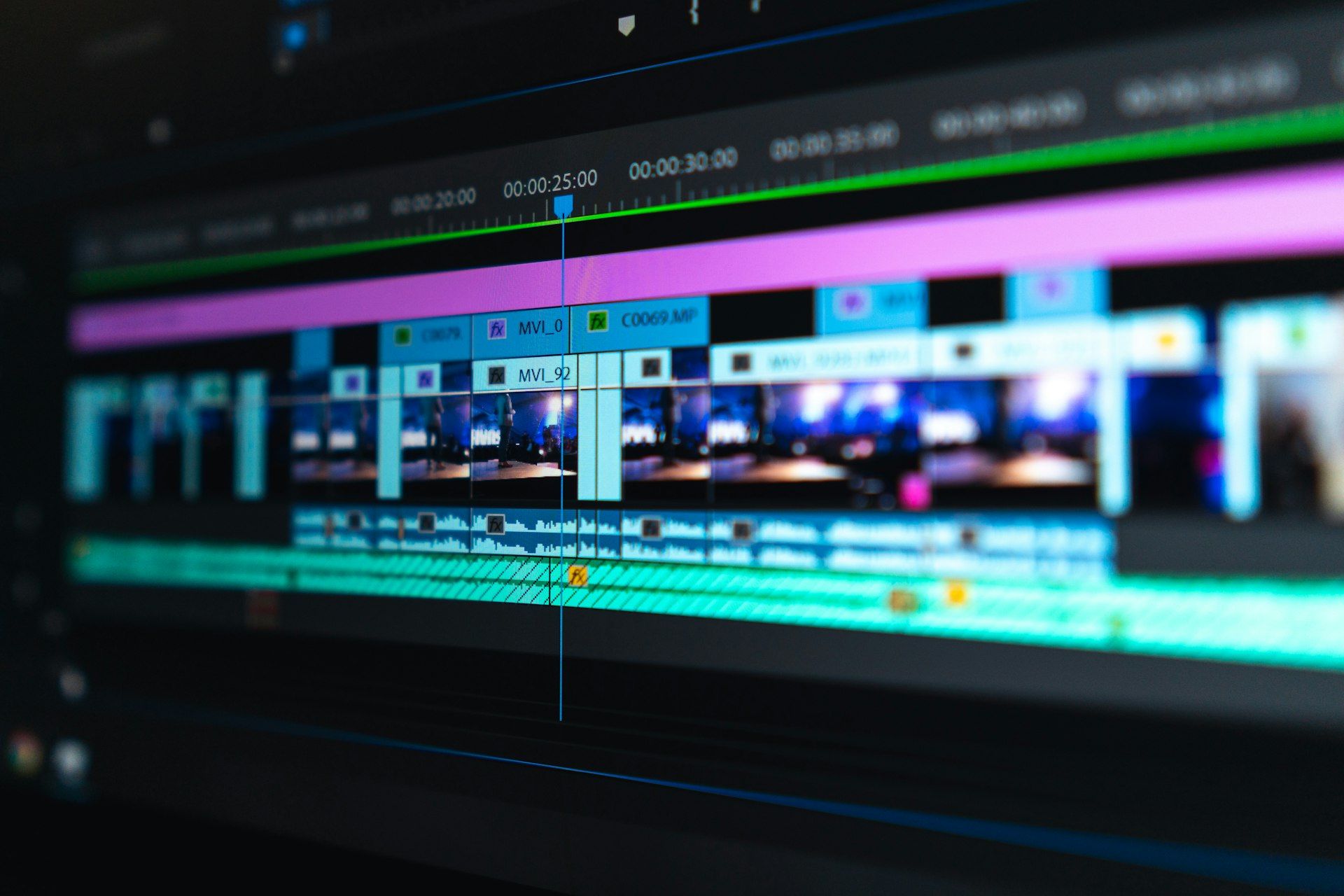
Multi-track timeline with video, audio, caption, and overlay layers. Trim by frame. Add keyframes for any property. Smooth transitions between clips. Adjust audio levels per track. But most of the time, you won't need any of this — AI handles the details.

Multi-track timeline editing
Visual

Color, overlays, motion

Professional color grading and LUT support. 25+ cinematic intro templates. 11 chart types for data visualization. 10+ map styles. Lower thirds, counters, calendars, stickers. Say “make the colors warmer” and it happens — or click through the controls yourself.

Color grading and visual overlays
Export

Every platform. One render.

Export in 720p, 1080p, 1440p, or 4K. H.264, H.265, or ProRes codecs. Publish directly to YouTube, TikTok, Instagram, LinkedIn, and X. Each platform gets the right aspect ratio and format — from one timeline.

Multi-platform export
Honest comparison

We built this because nothing else worked

Template tools (CapCut, Canva)
  • Limited to pre-made layouts
  • No real timeline or layers
  • Basic text-to-video with rigid templates
  • Export restrictions on free tiers
  • No transcript editing
Envizion AI Editor
  • Full professional timeline with layers
  • AI that understands natural language
  • Edit video by editing words (Helios)
  • Export to every platform from one project
  • 25+ intros, 11 charts, maps, cinematics
PRICING

Start free. Seriously.

No credit card. No trial countdown. Create your first videos with free credits. Upgrade to Standard ($5/month) when you need more — that’s less than a single stock clip on other platforms.

Start free
“I cancelled my Premiere subscription. This does everything I need for YouTube — and the AI saves me hours every week on captions, intros, and color grading.”
YouTuber, 120K subscribers

Envision your next video

Professional editing with AI intelligence. Start free, no credit card needed.

Open the editor