Whisper Style Video Effect: Enhancing Your Videos with Subtle Captions
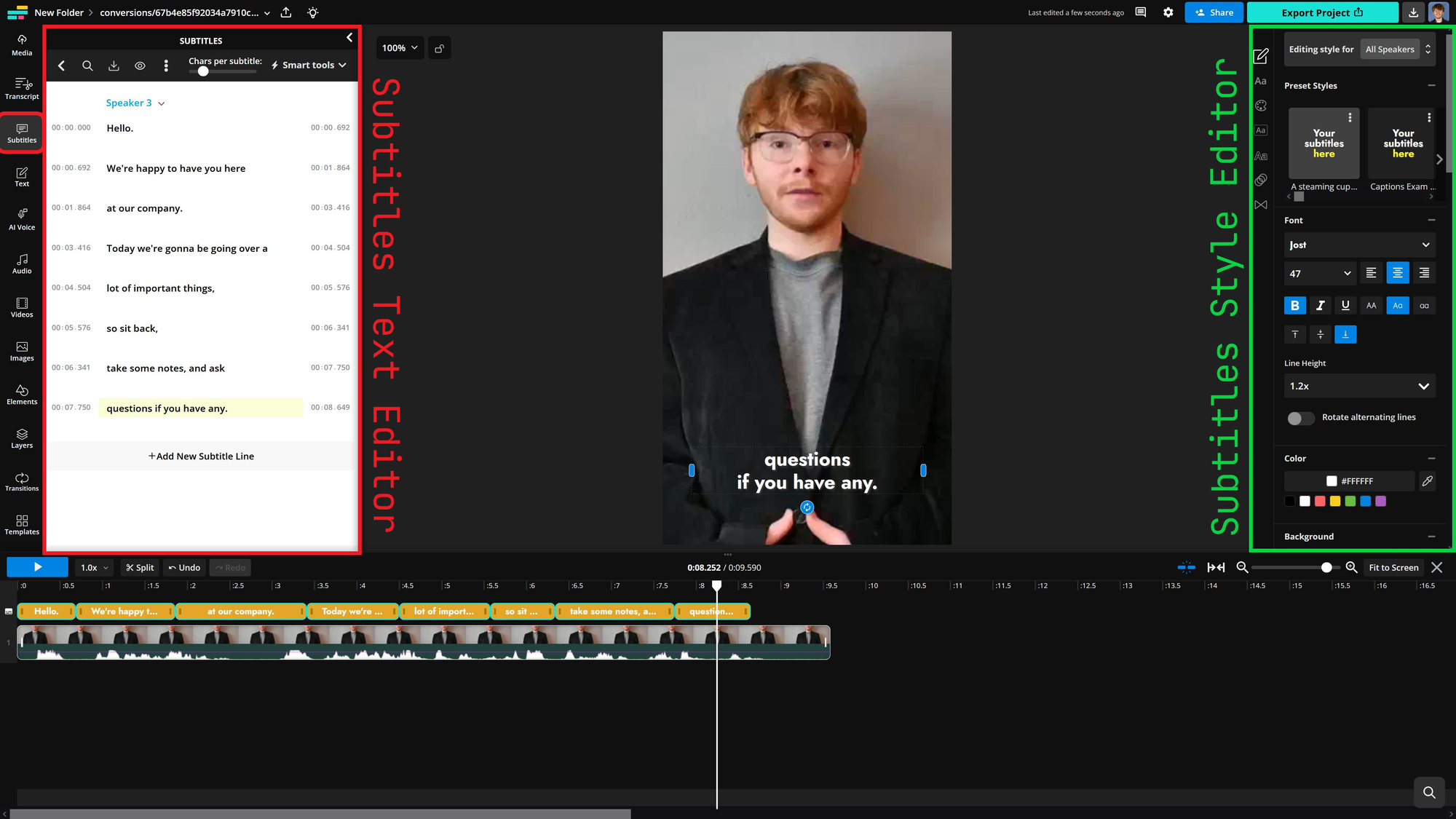
# Whisper Style Video Effect: Enhancing Your Videos with Subtle Captions
About Whisper
The Whisper style video effect is designed to add barely noticeable captions to your videos. This effect uses a minimalist approach with a lightweight font and subtle highlighting to ensure captions are readable without overwhelming the visual content. The result is a professional and cinematic look that keeps viewers focused on the video's main elements.
Features
- Subtle Captions: The Whisper effect uses a lightweight font (Lato, sans-serif) with a font weight of 300, ensuring captions are easy to read but not intrusive.
- Minimal Highlighting: The highlight color is set to rgba(255,255,255,0.9), providing a soft background that enhances readability without drawing too much attention.
- No Animation: The absence of word animation ensures that captions appear and disappear smoothly, maintaining a clean and professional look.
- Cinematic Category: This effect falls under the cinematic category, making it ideal for videos that aim for a high-quality, movie-like feel.
- Versatile Use: Suitable for various video types, including Documentary and Podcast Visual styles.
When to Use Whisper
The Whisper style video effect is perfect for scenarios where you want to add captions without distracting from the main content. Ideal use cases include:
- Documentaries: Enhance storytelling with subtle captions that provide additional context without interrupting the narrative flow.
- Podcast Visuals: Add captions to podcast videos to make them more accessible and engaging for viewers.
- Cinematic Projects: Use the Whisper effect in cinematic videos to maintain a professional and high-quality look while ensuring captions are readable.
How to Apply
Applying the Whisper style video effect is straightforward and can be done in a few simple steps:
1. Choose Your Video: Select the video you want to add captions to.
2. Select the Whisper Effect: In your video editing tool, navigate to the effects or styles section and choose the Whisper style.
3. Add Captions: Input the text for your captions. The Whisper effect will automatically apply the lightweight font and subtle highlighting.
4. Adjust Timing: Ensure your captions appear and disappear at the right moments to sync with the video content.
5. Preview and Export: Preview your video to make sure the captions look and feel right, then export your video in the desired resolution.
Using the Whisper style video effect can significantly enhance the viewing experience by providing clear, unobtrusive captions that complement your video content.
Frequently Asked Questions
Ready to try AI video creation?
Start with 200 free credits. No credit card required.
Get Started Free200 credits included · Cancel anytime