square-4k: The Ultimate 1:1 Video Layout for Cinematic Impact
# square-4k: The Ultimate 1:1 Video Layout for Cinematic Impact
About square-4k
square-4k is a 1:1 video layout that offers a unique cinematic chrome finish, making it perfect for creating high-impact videos. This layout is designed to enhance the visual appeal of your content, ensuring that your videos stand out with a professional and polished look. Whether you're creating content for social media, marketing campaigns, or personal projects, square-4k provides the visual impact needed to captivate your audience.
Features
- Cinematic Chrome Finish: The cinematic chrome finish adds a professional and polished look to your videos, making them visually appealing and engaging.
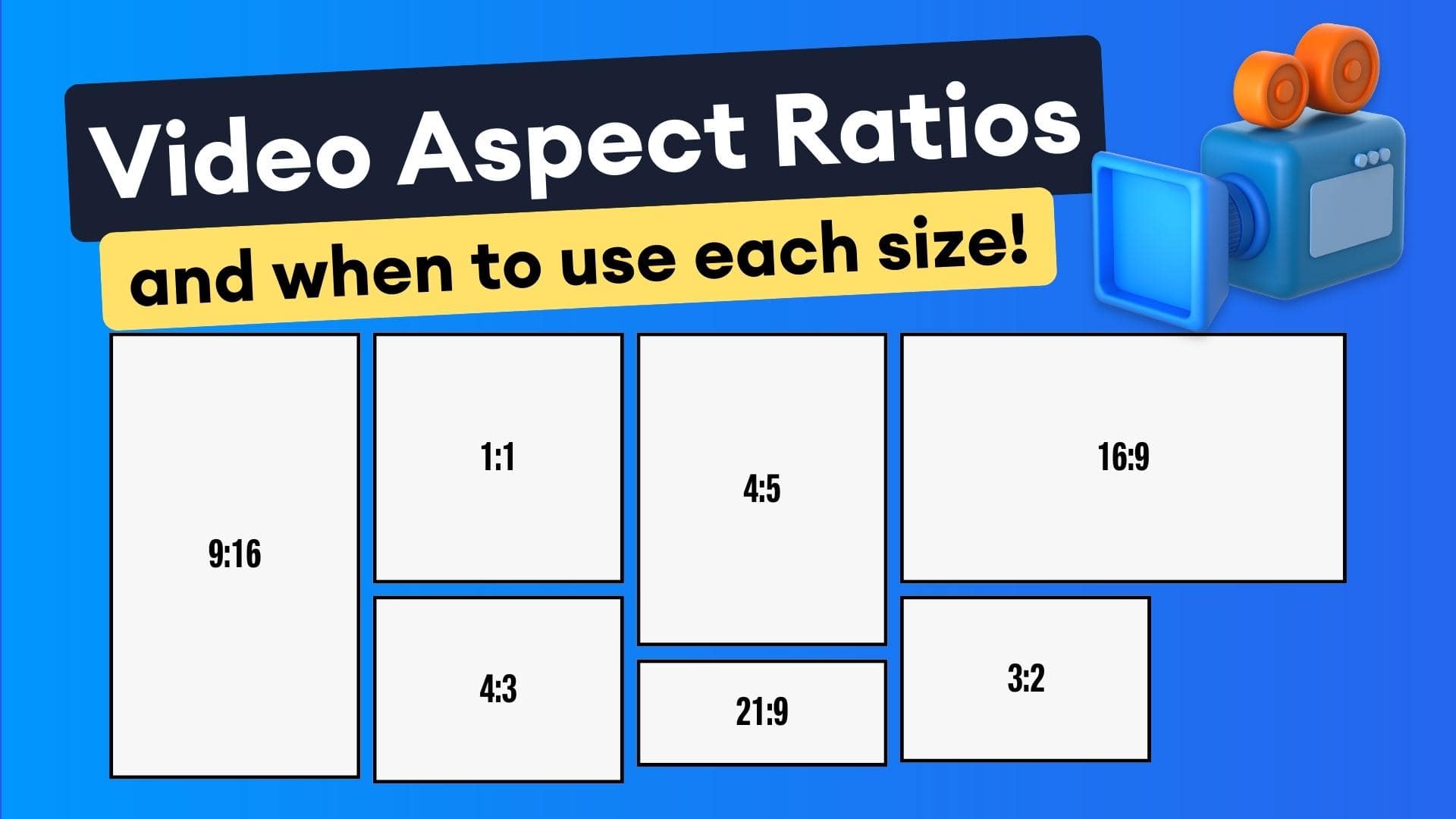
- 1:1 Aspect Ratio: Perfect for social media platforms like Instagram and TikTok, ensuring your videos fit seamlessly into feeds and stories.
- Versatile Use: Ideal for a wide range of video projects, from marketing campaigns to personal content creation.
- Easy Integration: Simple to apply to your projects, allowing you to focus on creating great content without worrying about complex editing processes.
- High-Quality Output: Ensures your videos maintain a high standard of quality, enhancing the overall viewing experience.
When to Use square-4k
- Social Media Content: Perfect for creating engaging content for platforms like Instagram and TikTok, where square videos are highly popular.
- Marketing Campaigns: Ideal for creating visually appealing marketing videos that capture the attention of your target audience.
- Personal Projects: Great for personal video projects where you want to add a professional touch without spending hours on editing.
How to Apply
1. Choose Your Project: Select the video project you want to enhance with the square-4k layout.
2. Apply the Layout: Integrate the square-4k layout into your video editing software or platform.
3. Customize Your Content: Adjust your video content to fit the 1:1 aspect ratio and make use of the cinematic chrome finish.
4. Export and Share: Export your video in the desired resolution and share it on your preferred platforms.
For more layouts, check out the portrait-split and Phone Recording options available on Envizion AI.
Frequently Asked Questions
Ready to try AI video creation?
Start with 200 free credits. No credit card required.
Get Started Free200 credits included · Cancel anytime