Rotate CW Video Effect: Enhance Your Videos with Smooth Transitions
# Rotate CW Video Effect: Enhance Your Videos with Smooth Transitions
About Rotate CW
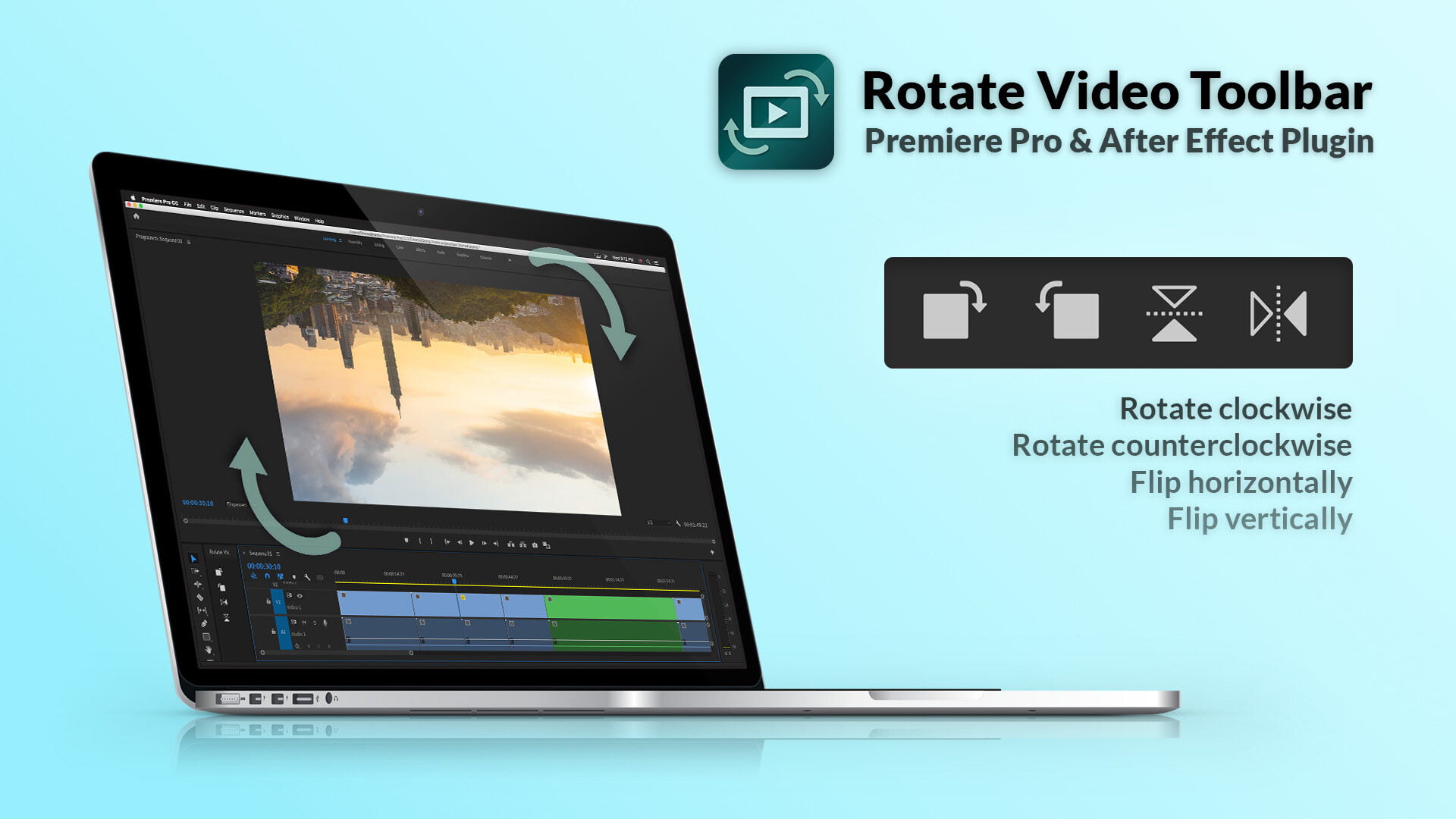
The Rotate CW video effect is a dynamic transition that adds a professional touch to your video projects. This effect involves a clockwise rotation, creating a smooth and engaging visual experience. It is particularly useful for content creators looking to add a polished look to their videos without extensive editing skills.
Features
- Smooth Transitions: Achieve professional-looking transitions that captivate your audience.
- Easy Application: Apply the Rotate CW effect with just a few clicks, saving you time and effort.
- Customizable Duration: Adjust the duration of the rotation to match the pacing of your video.
- Versatile Use: Ideal for various types of videos, including social media content, presentations, and promotional videos.
- Enhanced Visual Appeal: Add a dynamic element to your videos, making them more engaging and visually appealing.
When to Use Rotate CW
- Social Media Content: Perfect for Instagram, TikTok, and other social media platforms where engaging transitions are crucial.
- Presentations: Add a professional touch to your business or educational presentations.
- Promotional Videos: Enhance your marketing videos with smooth and dynamic transitions.
How to Apply
1. Select Your Video Clip: Choose the video clip where you want to apply the Rotate CW effect.
2. Access the Effects Library: Navigate to the effects library in your video editing tool.
3. Choose Rotate CW: Select the Rotate CW effect from the transitions category.
4. Apply the Effect: Drag and drop the effect onto your video clip.
5. Adjust Settings: Customize the duration and other settings to fit your project.
6. Preview and Export: Preview your video to ensure the effect is applied correctly, then export your final video.
For more transition effects, check out Dip to Color and Wipe Right.
Frequently Asked Questions
Ready to try AI video creation?
Start with 200 free credits. No credit card required.
Get Started Free200 credits included · Cancel anytime