Podcast Visual Style Video Preset: Transform Audio into Engaging Video Content
# Podcast Visual Style Video Preset: Transform Audio into Engaging Video Content
About Podcast Visual
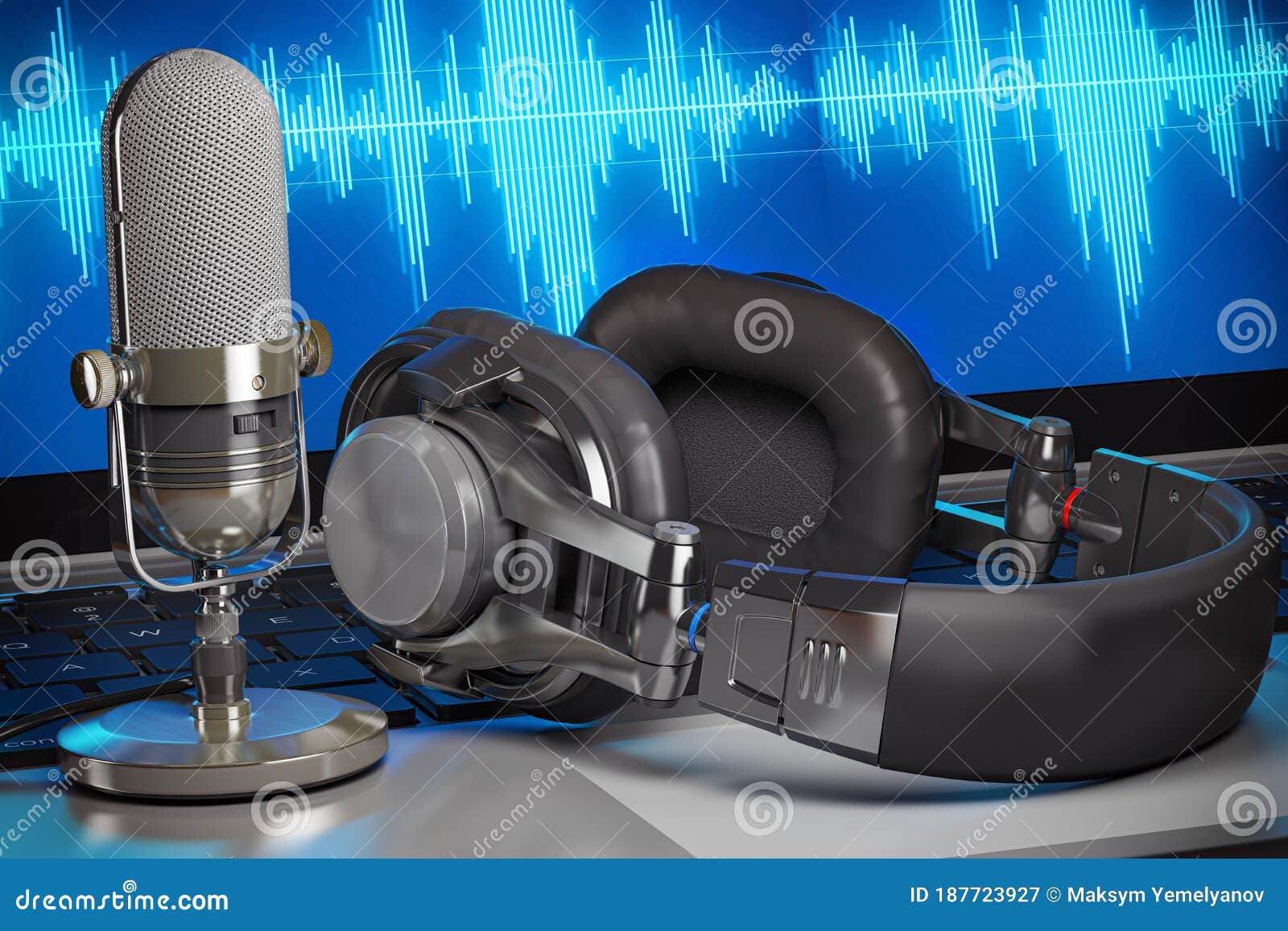
The Podcast Visual Style Video Preset is designed to convert audio content into visually engaging videos. This preset focuses on creating a seamless blend of waveform visuals, clean captions, and a voice-forward audio mix. It's perfect for content creators looking to enhance their podcast episodes with minimal effort.
Features
- Waveform Visuals: Automatically generates dynamic waveform visuals that sync with your audio, providing a captivating visual experience.
- Clean Captions: Adds clear and stylish captions to your videos, ensuring your audience can follow along easily. Check out the Split Stack and Diagonal caption styles.
- Voice-Forward Audio Mix: Enhances the audio quality, making sure the voice is crisp and clear, perfect for podcasts and interviews.
- One-Click Color Grading: Apply cinematic presets and LUTs with a single click, giving your videos a professional look without manual editing.
- Animated Templates: Includes a variety of animated templates for text overlays, adding a dynamic element to your videos.
When to Use Podcast Visual
- Podcast Episodes: Transform your audio podcasts into engaging video content that can be shared on platforms like YouTube and social media.
- Interviews: Enhance interview recordings with visual elements that keep viewers engaged.
- Storytelling: Perfect for storytellers who want to add a visual component to their audio narratives.
How to Apply
1. Select the Preset: Choose the Podcast Visual Style Video Preset from the marketplace.
2. Upload Your Audio: Upload your audio file to the platform.
3. Customize Visuals: Use the built-in tools to customize waveform visuals, captions, and other elements.
4. Enhance Audio: Apply the voice-forward audio mix to ensure clear and crisp sound.
5. Export and Share: Export your video in the desired resolution and share it on your preferred platforms.
Using this preset, you can create studio-quality videos in minutes, making it an ideal solution for content creators looking to enhance their audio content with minimal effort.
Frequently Asked Questions
Ready to try AI video creation?
Start with 200 free credits. No credit card required.
Get Started Free200 credits included · Cancel anytime