News Broadcast Audio Mix: Professional Sound for Your Videos
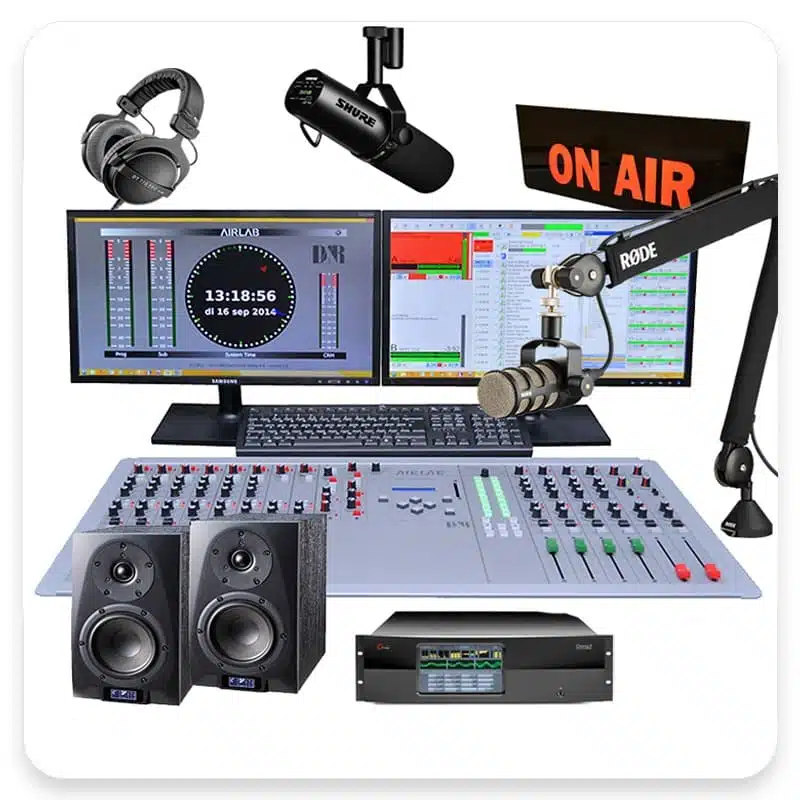
# News Broadcast Audio Mix: Professional Sound for Your Videos
About News Broadcast
The News Broadcast audio mix is designed to give your videos the professional sound quality of a news broadcast. This audio effect emphasizes the voice-over, making it clear and authoritative, while subtly blending background music and sound effects. It's perfect for creating videos that require a serious and professional tone, such as news reports, documentaries, or corporate presentations.
Features
- Authoritative Voice Clarity: The voice-over volume is set to 1.0, ensuring that your message is clear and prominent.
- Subtle Background Music: Background music is set to 0.1, providing a gentle backdrop that doesn't overpower the voice.
- Enhanced Sound Effects: Sound effects are set to 0.2, adding depth and context to your video without being distracting.
- Professional Tone: This mix creates a serious and professional atmosphere, ideal for news-style content.
- Easy Integration: Simply apply the News Broadcast audio mix to your video project for instant professional sound quality.
When to Use News Broadcast
- News Reports: Perfect for creating videos that mimic professional news broadcasts.
- Documentaries: Enhance the narrative of your documentary with clear and authoritative voice-overs.
- Corporate Presentations: Add a professional touch to your corporate videos and presentations.
- Educational Videos: Make your educational content more engaging and professional.
- Podcasts: Elevate the audio quality of your podcasts with a news broadcast feel.
How to Apply
1. Select Your Video Project: Open your video project in your preferred editing software.
2. Import the Audio Mix: Import the News Broadcast audio mix into your project.
3. Apply the Mix: Apply the audio mix to your video timeline.
4. Adjust as Needed: Fine-tune the audio levels to match your specific requirements.
5. Export Your Video: Export your video with the new professional sound quality.
For other audio mixes, check out our Music Video and Cinematic options.
Frequently Asked Questions
Ready to try AI video creation?
Start with 200 free credits. No credit card required.
Get Started Free200 credits included · Cancel anytime