Head-to-Head Charts: Dynamic Video Effects for Racing Comparisons
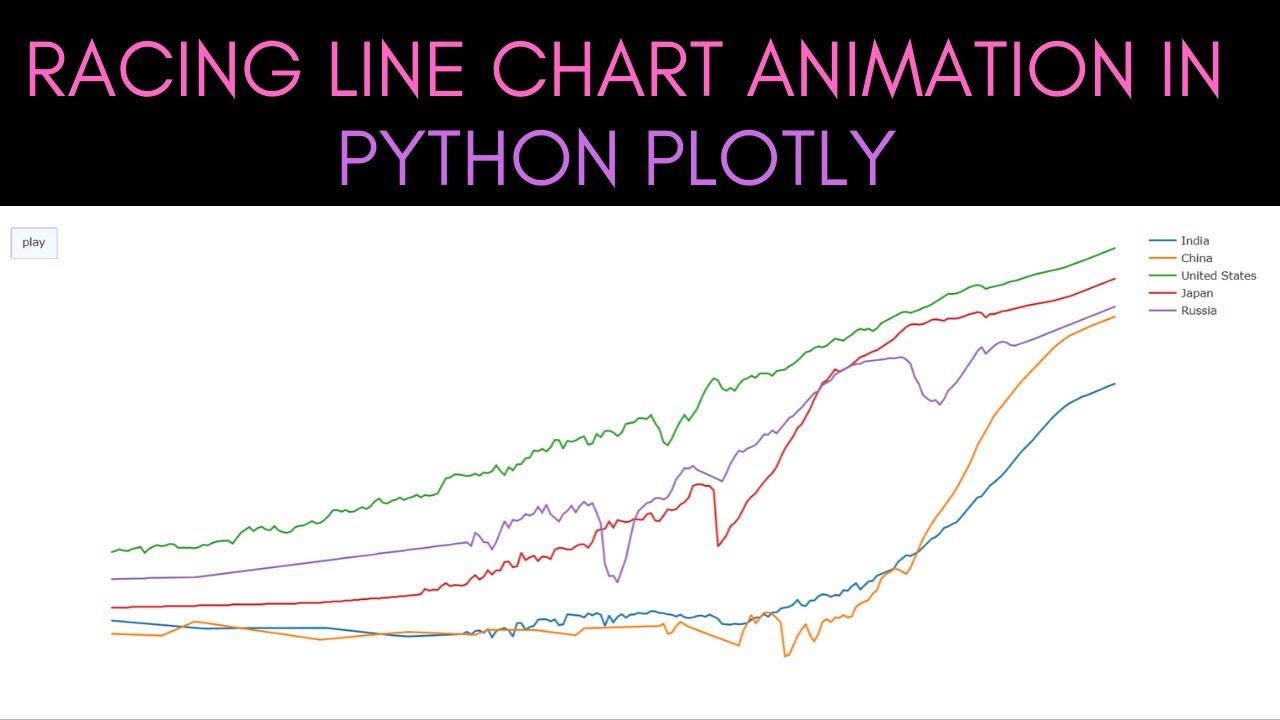
# Head-to-Head Charts: Dynamic Video Effects for Racing Comparisons
Head-to-Head charts are a powerful video effect that allows you to create dynamic racing comparisons. This effect is perfect for visualizing data in an engaging and easy-to-understand format. Whether you're comparing lap times, speeds, or any other metrics, Head-to-Head charts bring your data to life.
About Head-to-Head
Head-to-Head is a video effect that transforms static data into animated, easy-to-follow visuals. It uses a race bar chart format to compare two drivers, making it ideal for sports analysis, gaming content, or any scenario where you need to showcase a head-to-head competition. The animated reordering feature ensures that viewers can easily track changes and understand the data being presented.
Features
- Dynamic Comparisons: Create engaging visuals that compare two drivers in real-time, making it easier for viewers to follow the action.
- Animated Reordering: The chart automatically reorders based on the data, ensuring that the most relevant information is always highlighted.
- Customizable Design: Choose from a variety of themes and styles to match your video's aesthetic. The dark-neon theme adds a modern, professional look.
- Easy Integration: Simply input your data, and the effect generates the chart for you, saving time and effort.
- Versatile Applications: Use Head-to-Head for sports analysis, gaming content, or any project that requires a clear, visual comparison.
When to Use Head-to-Head
Head-to-Head charts are ideal for a variety of scenarios:
- Sports Analysis: Compare the performance of two athletes or teams, such as lap times in a race or scores in a game.
- Gaming Content: Showcase head-to-head competitions in esports or gaming videos, highlighting key moments and stats.
- Data Visualization: Present complex data in an easy-to-understand format, making your content more engaging and informative.
For other chart effects, consider exploring Lap Time Comparison or Speed Trace for different visualization needs.
How to Apply
Applying the Head-to-Head effect to your video is straightforward:
1. Prepare Your Data: Gather the data you want to compare, such as lap times or scores.
2. Choose Your Theme: Select the dark-neon theme or another style that fits your video.
3. Input Your Data: Enter your data into the effect's interface.
4. Customize the Chart: Adjust the settings to match your preferences, such as colors and animation speed.
5. Generate and Export: Let the effect generate the chart, then export it and add it to your video.
Using Envizion AI, you can streamline this process even further. The platform's AI-powered tools can help you create professional-quality videos with ease, allowing you to focus on the creative aspects of your project.
Frequently Asked Questions
Ready to try AI video creation?
Start with 200 free credits. No credit card required.
Get Started Free200 credits included · Cancel anytime