Envizion AI vs Adobe: A Detailed Comparison for Video Creators
# Envizion AI vs Adobe: A Detailed Comparison for Video Creators
Choosing the right video editing tool can significantly impact your workflow and the quality of your content. Envizion AI and Adobe are two prominent options, each catering to different needs and skill levels. This comparison will help you understand which tool aligns best with your video creation goals.
Envizion AI vs Adobe — Quick Verdict
Envizion AI is designed for users who want to create high-quality videos quickly and efficiently. It leverages AI to simplify the video creation process, making it accessible to beginners and professionals alike. With features like automatic caption generation, one-click color grading, and a variety of overlay options, Envizion AI is ideal for those who need to produce content rapidly without compromising on quality.
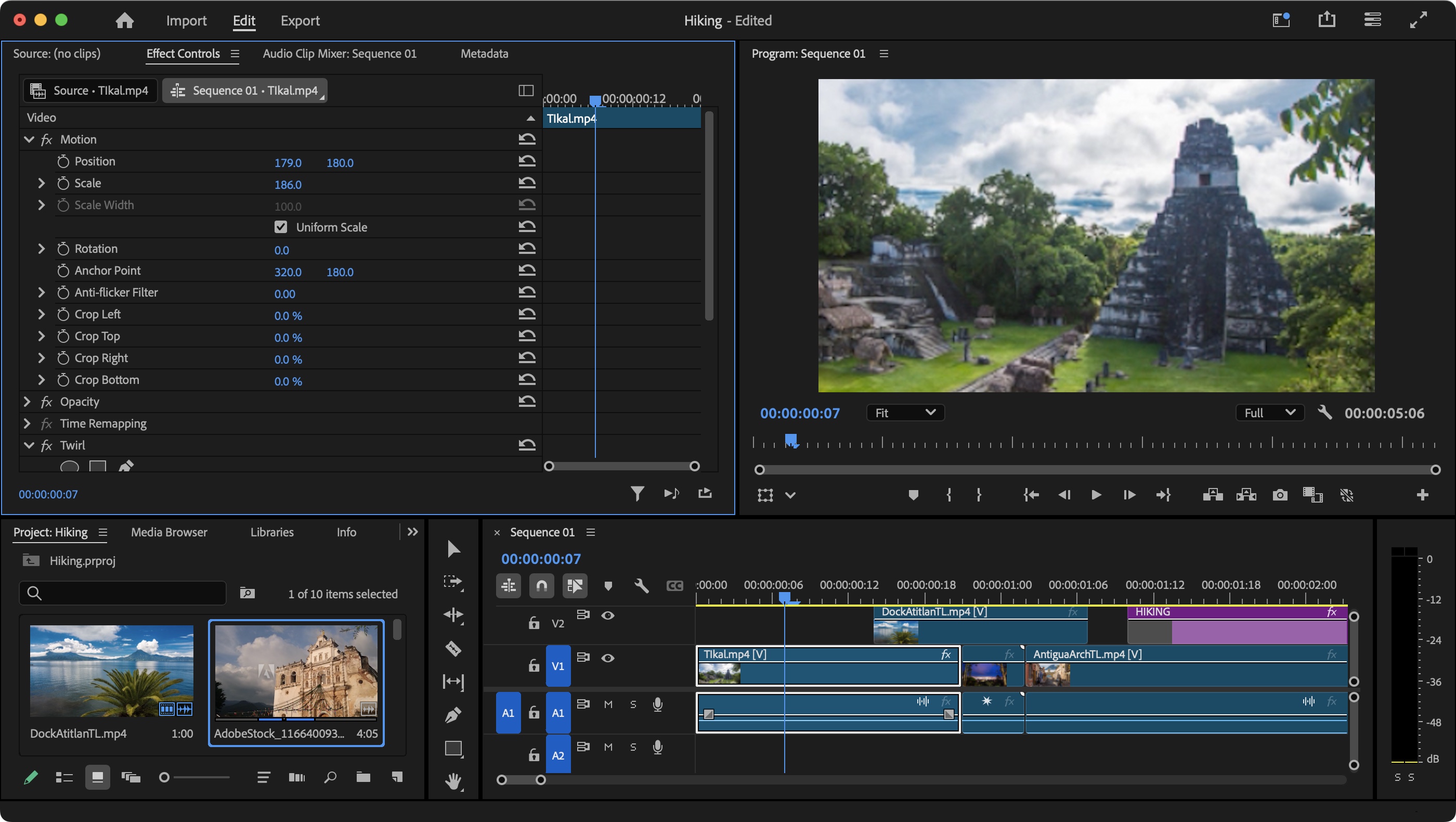
Adobe, on the other hand, is an industry-standard suite of tools that offers comprehensive features for professional video editing. It is known for its robust capabilities and integration with other Adobe applications, making it a favorite among creative professionals. However, Adobe's steep learning curve and high subscription costs can be prohibitive for some users.
Feature Comparison Table
| Feature | Category | Envizion AI | Adobe | Notes |
|---|---|---|---|---|
| AI-Powered Video Creation | AI Editing | Yes | Partial | Envizion AI excels in creating videos from text descriptions. |
| Automatic Caption Generation | AI Editing | Yes | Yes | Both platforms offer caption generation, but Envizion AI provides more styling templates. |
| One-Click Color Grading | AI Editing | Yes | Yes | Envizion AI offers cinematic presets and LUTs for quick color grading. |
| Text Overlays | Templates | Yes | Yes | Both platforms provide animated templates for text overlays. |
| Image Overlays | Templates | Yes | Yes | Envizion AI includes Ken Burns, parallax, and polaroid effects. |
| Video-in-Video Overlays | Templates | Yes | Yes | Both support PiP, device frames, and split screen. |
| Animated Stickers | Templates | Yes | Yes | Envizion AI offers a variety of animated stickers and lower thirds. |
| Calendar Overlays | Templates | Yes | No | Envizion AI provides calendar overlays for data visualization. |
| Map Overlays | Templates | Yes | No | Envizion AI includes map overlays for location-based content. |
| AI Voice-Over Generation | AI Editing | Yes | No | Envizion AI can generate voice-overs using AI. |
| Smart Moment Detection | AI Editing | Yes | No | Envizion AI can automatically detect and highlight key moments. |
| Audio Mixing | Rendering | Yes | Yes | Both platforms offer audio mixing presets. |
| Template Marketplace | Templates | Yes | Yes | Envizion AI has a marketplace with ready-to-use video styles. |
| Export in 4K | Export | Yes | Yes | Both platforms support 4K resolution exports. |
| Agentic Workflow | Platform | Yes | No | Envizion AI allows users to describe what they want, and AI agents build the video. |
| Integration with Other Tools | Platform | No | Yes | Adobe integrates well with other Adobe applications. |
Pricing Comparison
Envizion AI offers cost-effective pricing plans that cater to a wide range of users. The platform provides a free plan with basic features and paid plans that unlock advanced capabilities. This makes it an attractive option for beginners and professionals who need a budget-friendly solution.
Adobe's pricing is higher, with plans starting at $20.99/month for a single app and $54.99/month for the entire Creative Cloud suite. While Adobe's tools are powerful, the cost can be a barrier for some users, especially those who are just starting out or have limited budgets.
| Plan | Envizion AI | Adobe | Notes |
|---|---|---|---|
| Free Plan | Yes | Yes | Both offer free plans with limited features. |
| Basic Plan | $10/month | $20.99/month | Adobe's single app plan is more expensive. |
| Pro Plan | $20/month | $54.99/month | Adobe's full suite is significantly more expensive. |
| Enterprise Plan | Custom | Custom | Both offer custom plans for enterprise users. |
Where Adobe Wins
Adobe excels in several areas where Envizion AI is still catching up. Firstly, Adobe offers a comprehensive suite of creative tools that integrate seamlessly with each other. This ecosystem allows professionals to switch between applications like Photoshop, Illustrator, and Premiere Pro, enhancing their workflow and productivity.
Secondly, Adobe has an extensive library of learning resources and a large community of users. This makes it easier for new users to find tutorials, courses, and support to help them master the tools. The community support can be invaluable for troubleshooting and learning advanced techniques.
Where Envizion AI Wins
Envizion AI shines in its user-friendly interface and AI-powered tools that simplify the video creation process. The platform allows users to create studio-quality videos in minutes, making it ideal for those who need to produce content quickly. Features like automatic caption generation, one-click color grading, and AI voice-over generation save time and effort, allowing creators to focus on their content rather than the technical details.
Additionally, Envizion AI's cost-effective pricing plans make it an attractive option for beginners and professionals who need a budget-friendly solution. The platform's template marketplace and agentic workflow further enhance its appeal, providing users with a variety of ready-to-use video styles and the ability to describe what they want, with AI agents building the video accordingly.
Best For: Use Case Breakdown
Envizion AI is best for:
- Beginners who want to create high-quality videos quickly and easily.
- Content creators who need to produce videos rapidly without extensive editing skills.
- Professionals who want to leverage AI tools to enhance their workflow and save time.
- Users on a budget who need a cost-effective solution for video editing.
Adobe is best for:
- Professional video editors who need a comprehensive suite of tools.
- Creative professionals who require advanced features and integration with other Adobe applications.
- Users who have the budget for high-end software and need extensive learning resources and community support.
Frequently Asked Questions
Ready to try AI video creation?
Start with 200 free credits. No credit card required.
Get Started Free200 credits included · Cancel anytime