Cinematic Letterbox: Elevate Your Videos with Professional Layouts
# Cinematic Letterbox: Elevate Your Videos with Professional Layouts
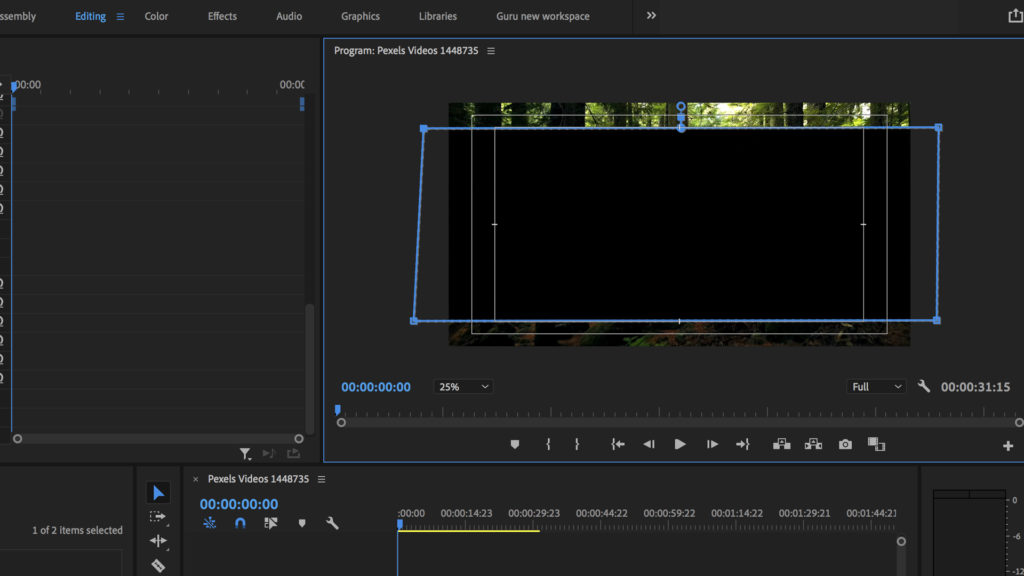
Cinematic Letterbox layouts are designed to give your videos a professional, cinematic look with minimal effort. By adding black bars at the top and bottom of your video, you create a widescreen effect that is commonly associated with high-quality film productions. This layout not only enhances the visual appeal but also helps to focus the viewer's attention on the central content of your video.
About Cinematic Letterbox
Cinematic Letterbox is a 16:9 layout with two slots, featuring a cinematic chrome that adds a touch of elegance and professionalism to your videos. This layout is perfect for content creators who want to give their videos a more polished and high-end look without spending hours on complex editing processes. The visual impact of using Cinematic Letterbox is immediate, making your videos stand out and look more professional.
Features
- Professional Appearance: The cinematic chrome and black bars give your videos a high-end, professional look that is often seen in movies and high-quality productions.
- Focused Attention: The letterbox format helps to draw the viewer's attention to the central content of your video, reducing distractions and enhancing the viewing experience.
- Easy to Use: Applying the Cinematic Letterbox layout is straightforward and can be done with just a few clicks, saving you time and effort.
- Versatile: This layout is suitable for a wide range of video types, from social media content to professional presentations and marketing videos.
- Enhanced Aesthetics: The cinematic chrome adds a touch of elegance and sophistication, making your videos more visually appealing.
When to Use Cinematic Letterbox
- Social Media Content: Enhance the visual appeal of your social media videos and make them stand out in crowded feeds.
- Marketing Videos: Give your marketing videos a professional, cinematic look that captures the viewer's attention and conveys a sense of quality.
- Presentations: Use Cinematic Letterbox for presentations to add a touch of professionalism and make your content more engaging.
How to Apply
1. Choose Your Layout: Select the Cinematic Letterbox layout from the available options in your video editing tool.
2. Customize: Adjust the settings to fit your specific needs, such as the size of the letterbox and the color of the chrome.
3. Apply: Apply the layout to your video with a single click.
4. Review: Preview your video to ensure the layout looks as expected.
5. Export: Export your video in the desired resolution, ready to share with your audience.
By following these simple steps, you can quickly and easily enhance the visual appeal of your videos with the Cinematic Letterbox layout. For more layout options, check out the Three-Panel and square-4k layouts.
Frequently Asked Questions
Ready to try AI video creation?
Start with 200 free credits. No credit card required.
Get Started Free200 credits included · Cancel anytime