YouTube 1080p Export Video Effect: A Complete Guide
# YouTube 1080p Export Video Effect: A Complete Guide
About YouTube 1080p
Exporting videos in 1080p resolution for YouTube ensures that your content is displayed in high definition, providing a clear and professional viewing experience. The 1080p resolution, also known as Full HD, has a resolution of 1920x1080 pixels, which is ideal for most YouTube videos. This resolution strikes a balance between high quality and manageable file sizes, making it a popular choice among content creators.
Features
- High Definition Quality: Exporting in 1080p ensures that your videos are displayed in high definition, providing a clear and professional viewing experience.
- Wide Compatibility: The 1080p resolution is widely supported across various devices and platforms, ensuring that your videos look great on any screen.
- Optimal File Size: 1080p videos offer a good balance between high quality and manageable file sizes, making them easier to upload and stream.
- Professional Appearance: High-definition videos give your content a more professional and polished look, which can help attract and retain viewers.
- Enhanced Viewer Experience: With clearer visuals and better detail, 1080p videos provide an enhanced viewing experience for your audience.
When to Use YouTube 1080p
- Professional Content: If you are creating professional content such as tutorials, reviews, or promotional videos, exporting in 1080p is highly recommended.
- High Detail Videos: For videos that require a high level of detail, such as gaming videos, tech reviews, or educational content, 1080p ensures that all details are clearly visible.
- Branding and Marketing: High-definition videos are essential for branding and marketing purposes, as they convey a sense of professionalism and quality.
How to Apply
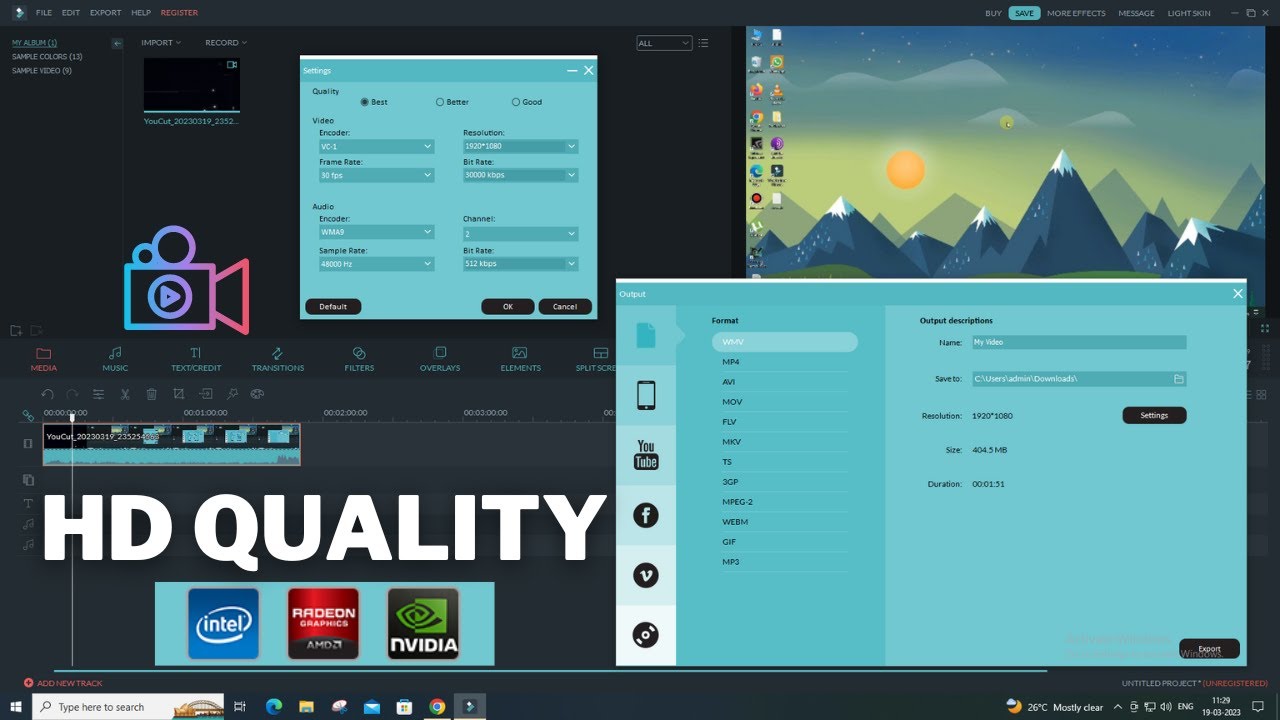
1. Choose the Right Settings: In your video editing software, select the export settings for YouTube. Ensure that the resolution is set to 1920x1080 pixels.
2. Select the Codec: Use the H.264 codec, which is widely supported and offers a good balance between quality and file size.
3. Set the Bitrate: For 1080p videos, a bitrate of 8Mbps is recommended to ensure high quality without excessively large file sizes.
4. Export Your Video: Once you have configured the settings, export your video. This process may take some time depending on the length and complexity of your video.
5. Upload to YouTube: After exporting, upload your video to YouTube. The platform will process your video, and it will be ready for viewers to enjoy in high definition.
For other platforms like Twitter/X or FB Feed, similar steps can be followed with adjustments to the resolution and bitrate settings as needed.
Frequently Asked Questions
Ready to try AI video creation?
Start with 200 free credits. No credit card required.
Get Started Free200 credits included · Cancel anytime